Dental treatment pages patients read and book from
What belongs on a treatment page, in what order, and why one services page listing twelve treatments gives a practice nothing to rank for and nothing to book from.
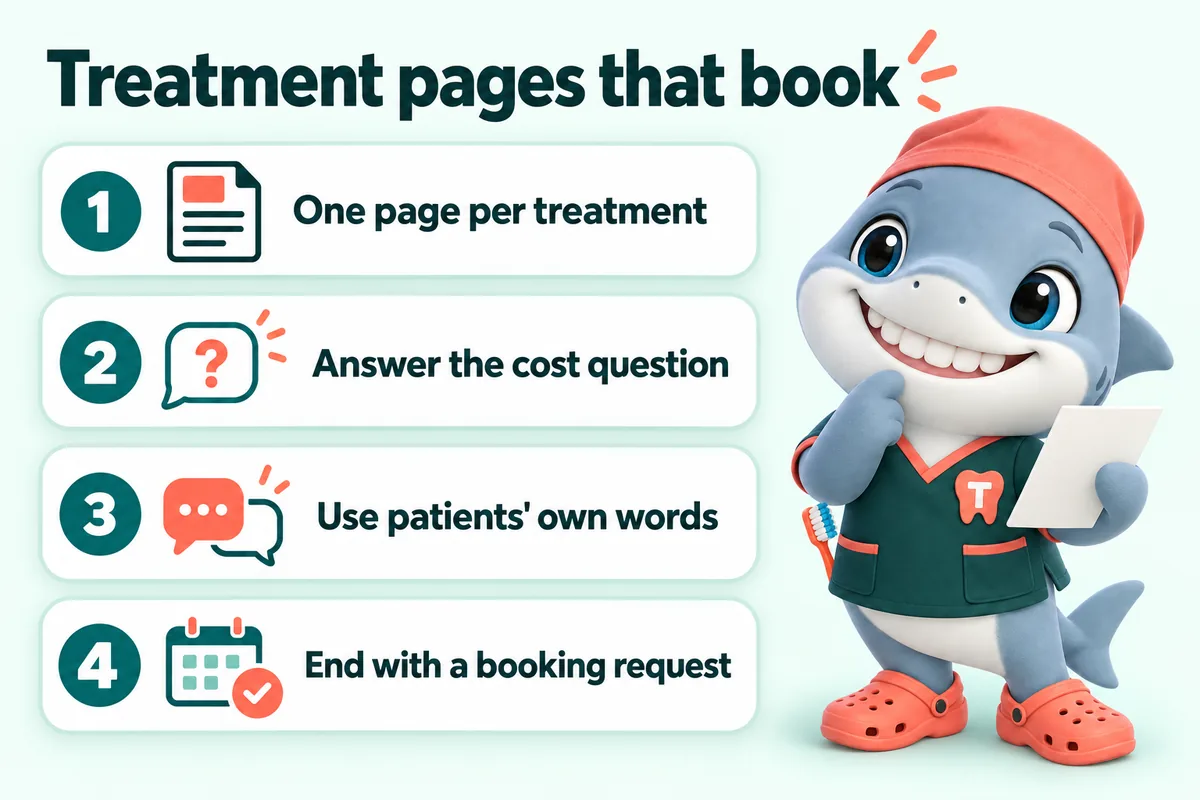
A dental treatment page earns a booking when it answers one patient’s one question completely, in their words, in the order they think of it, and then offers a way to act that does not require a phone call. That is the whole job. Most practice websites fail it in the same way: they collapse twelve treatments into a single services page, write about the practice instead of the patient, avoid the cost question entirely, and finish with a phone number.
This article is about how those pages should be written and structured, for owners and office managers who have to sign them off. It is about websites and not about dentistry, and nothing here is clinical advice.
What a treatment page is actually for
A treatment page exists to move one person from “I think I might need this” to “I have asked for an appointment”. It is not a brochure about the practice, it is not a place to prove clinical credentials to other dentists, and it is not a keyword container. Everything on it either helps that one person decide, or it is in the way.
The three questions every patient brings
Almost every visitor to a treatment page arrives with the same three questions, usually in this order. What is this and do I need it. What will actually happen to me. What will it cost and how do I pay for it.
Notice that only the first of those is about the treatment. The second is about the experience, which is what most people are actually anxious about, and the third is about money, which is what most people actually decide on. A page that spends nine hundred words on the first question and nothing on the other two has answered the least important third of the visit.
Why one services page cannot do this job
Search engines rank pages, not practices. When one page tries to cover cleanings, fillings, crowns, root canals, implants, whitening, veneers, aligners, extractions, dentures, night guards and emergency visits, it is competing for all of those terms with pages that each cover exactly one. It loses to every one of them, and it deserves to, because the reader who wanted one thing has to hunt through eleven others to find it.
Google’s own guidance on helpful content is blunt about this: content should be written for people who came looking for something specific, and it should leave them feeling they got what they needed without going back to search. A services list almost never does. A treatment page can.
There is a practical test. Open your services page, find the paragraph about the treatment that pays for the most chair time in your practice, and count its words. If a patient who wanted only that treatment would have to read past four other treatments to reach it, that treatment does not have a page. It has a mention.
The shape of a page that works
The structure below is not a template to fill in. It is the order in which the questions arrive, and the order is what does the work.
Open with the answer, not the history of dentistry
The first sentence under the heading should answer the heading. If the page is called “Dental implants”, the first sentence says what a dental implant replaces and who it is for. It does not say “At our practice, we believe every smile tells a story.”
This matters for two audiences at once. The patient gets what they came for immediately and is much more likely to keep reading. And an answer-first opening is exactly what gets pulled into a featured snippet or an AI summary, because it is a complete answer that stands on its own without the rest of the page.
A useful discipline: write the first paragraph so that if someone read only that paragraph, they would still have learned something true and useful. Then write the rest for the person who wants more.
Say what happens, in order, in plain words
The second block is the visit itself, described in sequence. How long it takes. How many appointments. What is done at each one. What the patient will feel, what they will not feel, and what they will be able to do afterwards.
This is the part practices consistently underwrite, and it is the part patients consistently read twice. Fear of the unknown is the most common reason someone closes a dental page and does nothing. A calm, ordered, honest description of the appointment removes more friction than any amount of reassurance about how caring the team is.
Keep it general. You are describing what usually happens, not what will happen to a specific person, and the page should say that the specifics depend on the examination. That is both the honest position and the right one: a website is general information, not a diagnosis and not a treatment plan.
Answer the cost question on the page
“Do you take my insurance” and “how much is this” are the first two questions on most new patient calls. They are the reason the front desk spends the morning on the phone instead of with the people in the waiting room.
You do not have to publish a fee schedule to answer them. You have to stop avoiding them. A treatment page can say:
- What typically drives the cost up or down for this treatment, in plain terms such as the number of appointments, whether preparatory work is needed, or the materials involved.
- Which carriers the practice accepts, with a link to the insurance page rather than a wall of logos.
- Whether this treatment is usually covered, partially covered or generally not covered, described carefully and without promising an outcome on anyone’s specific plan.
- What financing, membership or payment arrangement options exist, with a link to the financing page.
- That an exact figure comes after an examination, and how to get one.
A page that does this converts better and, just as importantly, changes the character of the calls the practice does get. The call becomes “I read the page, I would like to book”, instead of twelve minutes of explanation.
Say who it is not for
Naming who a treatment does not suit is the single fastest way to be believed. A page that says this option is not usually the right one when a particular situation applies, and links to the page for what is usually suggested instead, reads like a practice that is telling the truth rather than selling.
It also filters. A request from someone who read that paragraph and still wants to come in is a better request, and the consultation that follows starts further along.
End with a request, not a phone number
The end of a treatment page is where the reader is most ready and most likely to leave. Ending with a phone number hands them a task that only works during office hours, from a quiet room, when they feel like talking. Most of them are none of those things.
The end of the page should be a booking request form, or a clear button to one, that carries the context the page has just created: which treatment the request is about, whether the person is a new or existing patient, their insurance carrier, and two or three times that suit them. It should say clearly that this is a request and that the office will confirm, because that is true, and because nothing damages trust faster than a patient believing they have an appointment that does not exist.
One more detail that matters and is routinely missed: a public web form on a practice site should ask for the minimum needed to call someone back. Detailed medical history, medication lists and member ID numbers belong in a secure intake process after the appointment is confirmed. The U.S. Department of Health and Human Services has published specific guidance on tracking technologies and online forms for covered entities, and it is worth your practice reading it before anyone adds a third-party widget to a page that collects patient information.
Words: writing for a patient, not for a colleague
Use the words patients type
Patients do not search for “endodontic therapy”. They search for “root canal”, and quite often for “root canal near me” at eleven at night. They do not search for “fixed prosthodontics”, they search for “crown” and “bridge” and sometimes for “cap”. They do not search for “orthodontic treatment”, they search for “braces” and “Invisalign” and “clear aligners” and “how much are braces”.
Use the patient word as the page title and the heading. Use the clinical word once, in the body, so the page is still accurate and so a reader who knows the term recognises it. That ordering is not dumbing down. It is meeting the reader where they are, which is the whole point of writing the page.
Read it out loud
If a sentence is hard to read aloud, it is hard to read silently. Long noun phrases, stacked qualifiers and passive constructions are the three things that make dental copy sound like a consent form. “The restoration will be placed by the dentist at the subsequent appointment” becomes “At the second visit, your dentist fits the crown.”
Short paragraphs. One idea each. Subheadings that a scanner can follow without reading the paragraphs between them, because a good half of your readers will scan first and read second.
Never diagnose on a page
A treatment page describes a treatment in general. It cannot tell a reader whether they need it, and it should not imply that it can. Anything that reads like an assessment of the reader’s own situation is a problem, and anything that sounds urgent should be routed to a phone call and to your emergency page rather than answered in a paragraph.
This is not only a legal and regulatory posture. It is better writing. A page that says “here is what this is and here is how to find out whether it applies to you” is more useful and more credible than one that says “if you have any of these five symptoms, you need this treatment.”
Which treatments get a page
Start with what pays for the practice
List your treatments by the chair time and revenue they actually represent, not by how interesting they are. The top of that list gets a page first. If implants, crowns and hygiene are what the practice runs on, those are the first three pages, and they should be the best three pages on the site.
The emergency page is the one people find at nine at night
Emergency and urgent visits deserve their own page, written for someone in pain, on a phone, in the dark, who will read roughly two sentences before deciding. The phone number belongs at the top of that page, not the bottom. It is the one page on a dental site where a call is genuinely the right action and a form is not.
Say what counts as urgent in general terms, say what your practice can do the same day, say your hours and what happens outside them, and make the number a tap target rather than a line of text.
The pages that are really about money
Insurance, financing and membership plans are not treatments, but they behave like treatment pages: they answer a specific question that otherwise arrives by phone, and they are searched for directly. They deserve the same care, the same answer-first structure and the same booking request at the end.
How treatment pages connect to everything else
Internal links that follow the patient
A treatment page should link to the pages a reader of that page would want next, and no further. An implant page links to the financing page, the sedation or comfort page if you have one, the specific location page, and perhaps to the bridge or denture page as the alternatives. It does not need to link to whitening.
Done consistently, this produces a site where every page has a natural next step, which is good for readers and is also how search engines work out which pages matter and what they are about.
Structured data, used honestly
Your practice should carry LocalBusiness or, more specifically, Dentist structured data, with the real name, address, phone and hours, usually on the home page and on each location page. Treatment pages that contain a genuine question and answer block can carry FAQ markup for exactly the questions and answers that appear on the page.
What you should not do is mark every treatment page up as a separate business, or add FAQ markup for questions that are not visible on the page. Google’s structured data guidelines treat that as spam, and the downside is considerably larger than the upside.
What to measure
For each treatment page, three numbers tell you almost everything. How many people land on it from search. How many of those reach the booking request. How many submit it. If the first number is low, the page is not competing. If the second is low, the page is not persuading. If the third is low, the form is asking for too much.
Page experience is the quiet fourth factor. Google measures loading, responsiveness and visual stability as part of how it assesses pages, and a treatment page that hesitates on a phone will lose readers before any of the writing gets a chance to work.
The mistakes we see most
- A stock photo of a model with perfect teeth at the top of every page. It tells the reader nothing and pushes the answer below the fold on a phone.
- A page that is really about the practice. Three paragraphs about the team’s philosophy before a word about the treatment.
- No cost paragraph at all, on the theory that it is better discussed on the phone. It is not better. It is just later, and many people never get there.
- A wall of carrier logos in place of a sentence that says how billing actually works at the practice.
- The same generic call to action at the end of every page. “Contact us today” carries none of the context the page just built.
- Pages for treatments the practice would rather refer out, which generate requests the schedule does not want.
- Clinical language in the heading, which means the page never meets the search it was written for.
What a managed site does about this
On the sites we build, every treatment a practice wants new patients for gets its own page, written in plain language from what the practice tells us at onboarding, with the cost question answered, the alternatives named, and a booking request at the end that routes into the practice management system or CRM with the treatment, the carrier and the preferred times attached. When a practice adds a service or retires one, that is a revision request, and the page changes or comes down within a couple of working days.
We are a website design and management company. We do not treat patients, we do not give dental or medical advice, and the content we write for a practice site is general information for patients rather than a diagnosis or a treatment plan. What we can do is make sure that the pages a practice already knows how to talk about in the operatory are finally written down in the place patients actually look.
Sources
- Google Search Central: Creating helpful, reliable, people-first content
- Google Search Central: Local business (LocalBusiness) structured data
- Google Search Central: Understanding page experience in Google Search results
- U.S. Department of Health and Human Services: Use of Online Tracking Technologies by HIPAA Covered Entities and Business Associates
- Schema.org: Dentist
Frequently asked questions
How many treatment pages should a dental practice website have?
One for every treatment you want new patients to find you for, which is usually eight to twenty pages rather than one services page. Start with the treatments that carry the practice financially, add the ones patients search for by name such as implants, root canals, clear aligners and emergency visits, and stop before you are writing pages for procedures you would rather refer out.
How long should a dental treatment page be?
Long enough to answer the patient question completely and no longer. In practice that is usually 700 to 1,200 words: what the treatment is, what happens at the visit, what it costs and how it is paid for, who it suits, what the alternatives are, and how to request an appointment. Padding a page to hit a word count makes it worse, not better.
Should treatment pages mention prices?
They should answer the cost question even when they cannot give a number. If your fees vary with the case, say so plainly, explain what drives the range, name the carriers you accept, and describe the financing or membership options. A page that says nothing about cost sends the question to the front desk, which is exactly what the page existed to prevent.
Can a treatment page give dental advice?
No, and it should not try. A treatment page is general information that helps someone decide whether to request an appointment. It is not a diagnosis and not a treatment plan, it should say so, and it should route anything that sounds urgent to a phone number and to your emergency page rather than to a paragraph of reassurance.
Do treatment pages need their own structured data?
The practice needs LocalBusiness or Dentist structured data, usually on the home page and the location pages, and treatment pages benefit from FAQ markup when they carry a genuine question and answer block. Marking up every treatment page as a separate business is wrong and can be counted as spam. Mark up what is actually there.
Want a site like the one described here? Book a demo with GetDentalWebsite.